Capture internal demos and training without routing screen recordings through a third-party SaaS or a new vendor review.
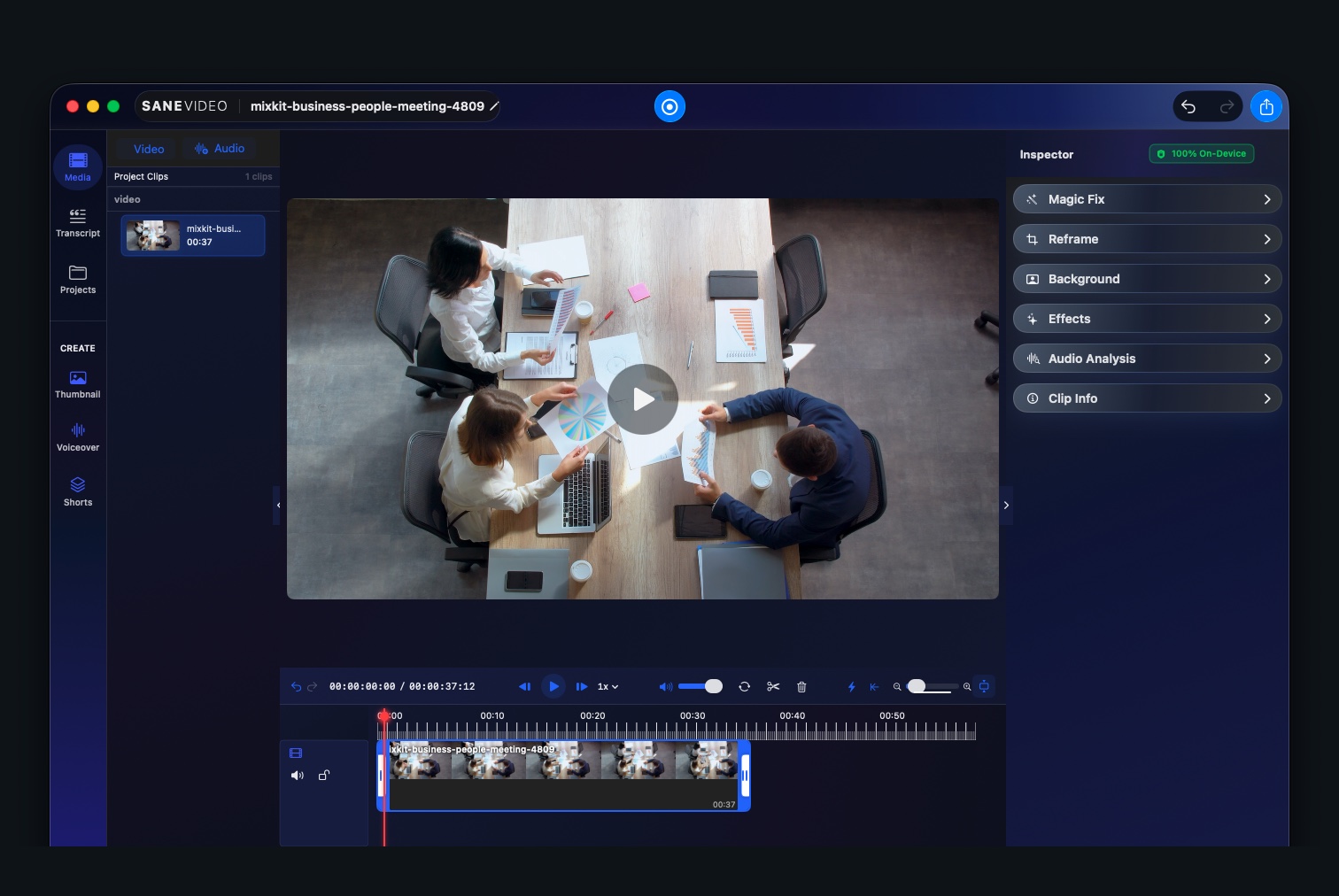
Screen recording that never touches the cloud.
SaneVideo
Record your screen, camera, and mic, then edit, caption, and transcribe — entirely on your Mac. No upload, no account, no third-party servers. Built for confidential and proprietary work that should never leave your machine.
Nothing uploaded
On-device transcription
Timeline editing
No account
Nothing leaves your MacCapture, editing, and transcription all run on device. Zero uploads.
No cloud, no accountNo servers to trust, no sign-up, no data collected about you.
Safe for proprietary workNDA footage, customer data, and unreleased products stay confidential.
Signed and notarizedChecked by Apple. Pay once, no subscription.
Every step runs on your machine.
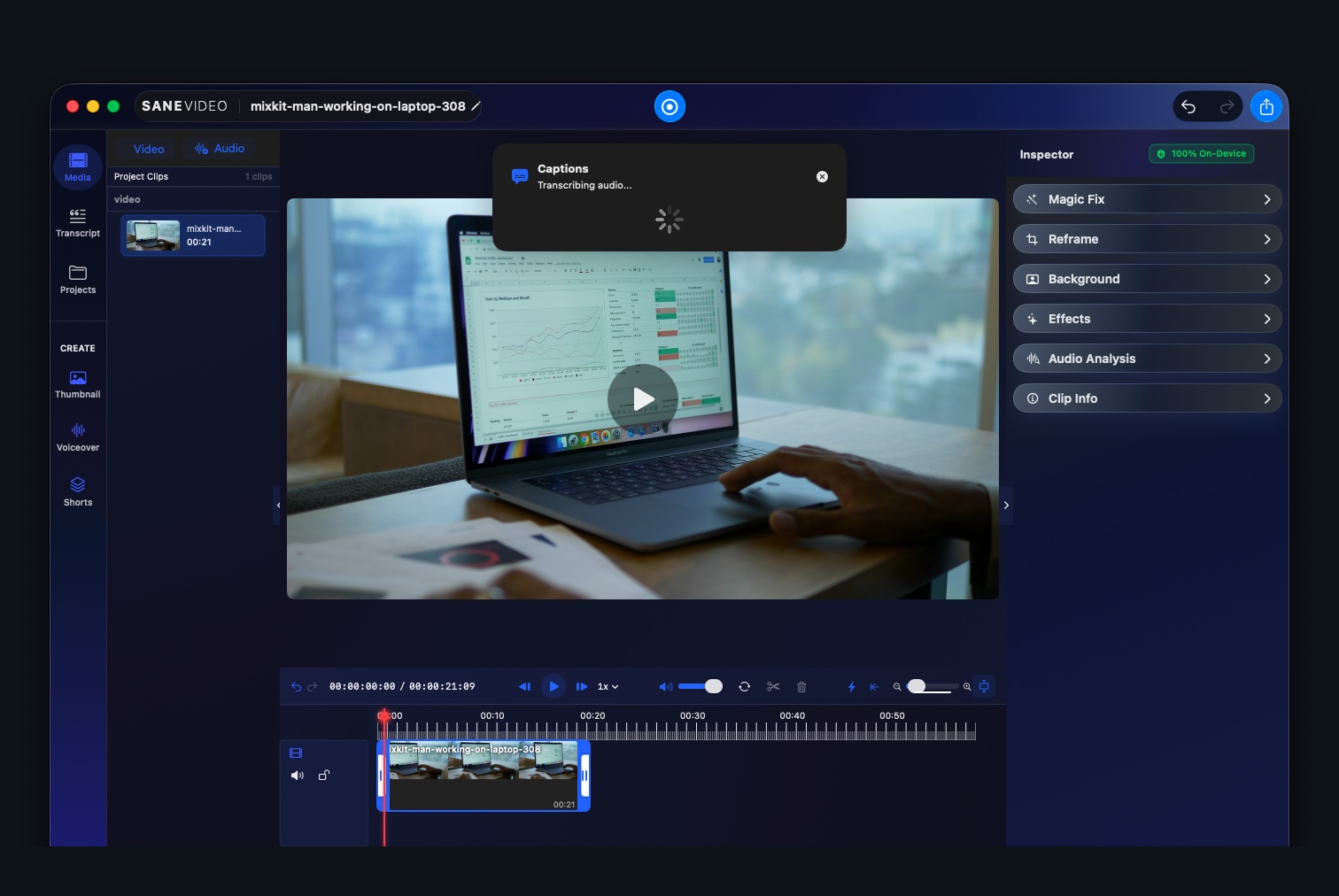
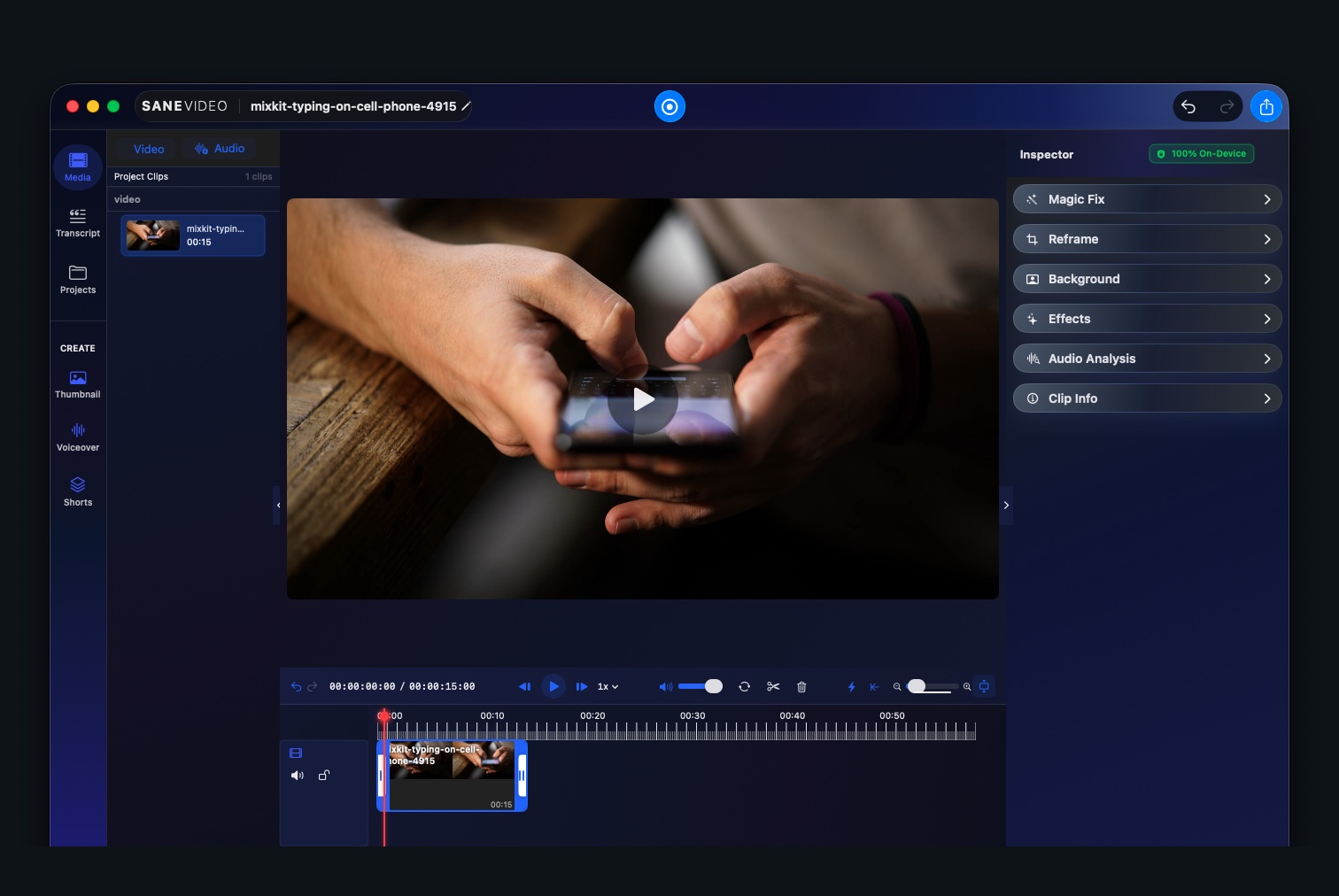
Open a local project, review real footage, generate captions on device, then trim and export when the cut is ready. No clip is ever sent to a server to be processed.
Built for footage you can't put in the cloud.
Loom, Descript, and most recorders upload every clip to their servers to store, process, and transcribe it. SaneVideo doesn't. Record product demos under NDA, internal training, support sessions with customer data, and unreleased features — and keep every frame on your Mac, where compliance and common sense say it belongs.
Who records locally.
If your footage can show customer data, internal systems, unreleased work, or anything under contract, it shouldn't pass through a vendor's servers to get recorded.
Keep sensitive recordings off third-party clouds to honor internal policy and client confidentiality. Files stay on your machine and your network.
Walkthroughs that touch PII, PHI, or financial data never leave the device, so there's no new data-processor to vet.
Demo unreleased features and prototypes without your roadmap sitting on someone else's server.
Full recorder and editor. Zero cloud.
Everything a screen recorder needs — capture, edit, caption, export — with every step running on your Mac instead of someone else's servers.
Captions and transcripts are generated locally on Apple Silicon. Your audio is never sent to a cloud speech service.
Trim, review, and clean up clips in a real Mac timeline with playback, a visible playhead, and Magic Fix running on the selected clip — all on the machine.
No account, no telemetry, no sync. Recordings live in your files, and you decide whether to edit now, save, or export when you're done.
Free and open source.
No per-seat plans, no cloud storage fees, no subscription. Setup stays the same. Every feature stays unlocked. Donate only if you want to support it.
$0donate if you want
Every recording and edit tool is included.
- Screen, camera, and mic recording
- Native timeline editor and playback
- Your files stay on your Mac
- Magic Fix cleanup, on device
- Captions and transcription, local
- Full export presets and sharing
- No subscription, ever
Download SaneVideo
SaneVideo for macOS 15 or later on Apple Silicon. Free and open source. Every feature stays unlocked.
Want to help keep it going?
SaneVideo is MIT licensed. Contribute on GitHub or donate if it helps you.
View source Donate